
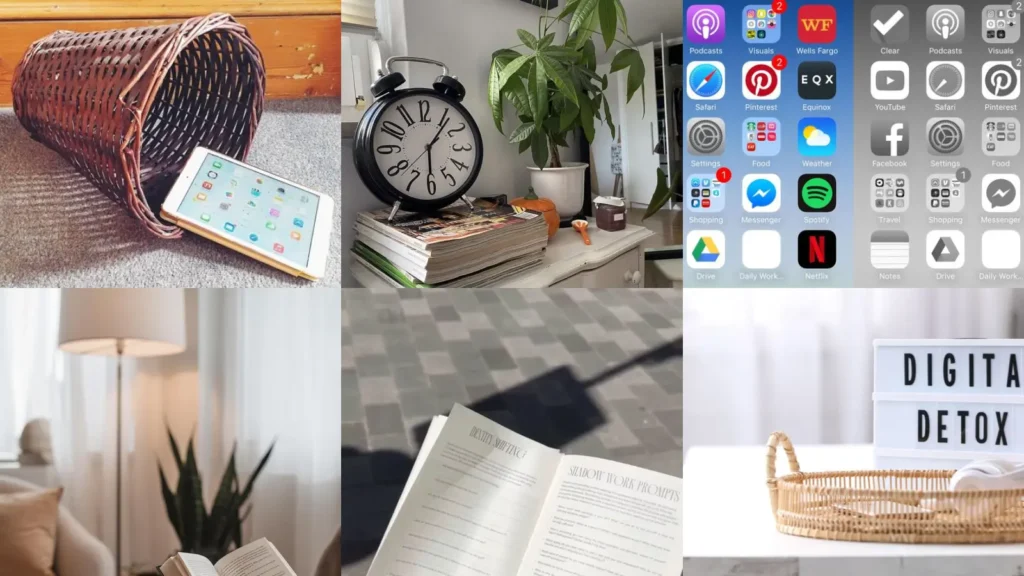

Here’s a trick nobody tells you about a social media detox: hiding the app icons does almost nothing. Your thumb still knows exactly where to tap, lol!
The real fix is making the phone itself a little less convenient to grab in the first place.
That’s the whole idea behind this list. Instead of just telling you to quit scrolling, cold turkey, these are actual setups and printables that make the these ideas challenge easier to stick to.
We scrolled through hundreds of pins looking for ideas that were doable, not just pretty. Anything that required fancy equipment or a total life overhaul got skipped!
What’s left is a mix of simple swaps, printable trackers and a few little reminders you can frame or tape to your desk. Some take five minutes to set up.
Others are a whole weekend project if you want to go further.
Pick two or three that sound realistic for your week. You don’t need all fifteen at once, promise!
Under each idea you’ll find the small details that actually matter, plus a link if there’s a printable or tutorial to grab. Who doesn’t love a good printable?
SOCIAL MEDIA DETOX IDEAS
Phone Basket By Front Door
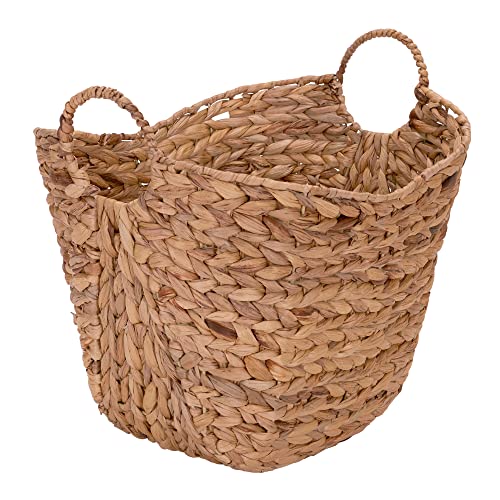
A basket by the front door sounds too simple to work. It works anyway!
Phones go in the second we walk through it, no exceptions. Dinner gets quieter. She even added a little chalkboard label on it, lol!
- Zero setup required
- Any basket from the closet works
- Takes about ten seconds a day
Analog Alarm Clock Nightstand Setup
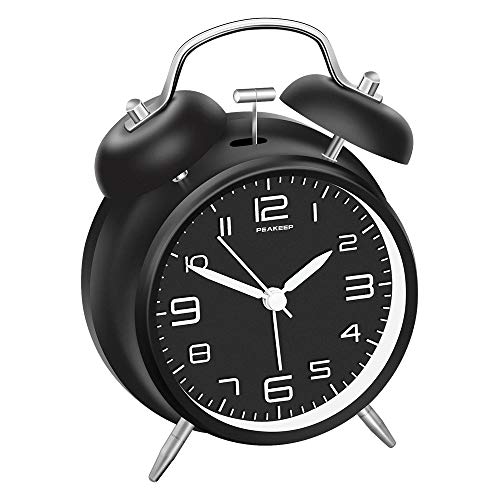
An analog alarm clock might be the single best purchase for this whole thing. Once the phone leaves the nightstand, the late night scrolling just stops.
My pick has a soft tick, not a jarring buzz, for exactly that reason. Mornings feel calmer already, haha!
- The nightstand fix
- Under twenty dollars at most stores
- No blue light before bed
Grayscale Phone Screen Trick

This grayscale trick is the sneakiest one on the list. Turning the screen black and white makes every app look boring instantly.
My thumb stops reaching for it by day two, honestly. Without the colors, the whole feed just looks like a spreadsheet, lol!
It takes under a minute to switch on in settings. It flips back anytime for photos.
- Colors are the trap
- Free, built right into your phone
- Reversible in two taps
Reading Nook Instead Of Scrolling

A reading nook gives your hands something else to do besides scroll. Even a corner chair with good light counts. How cozy does that sound?
Keep a small stack of books nearby so there’s zero excuse to grab the phone instead. Not that I’m judging myself for owning way too many unread paperbacks, haha!
Paper Journal Morning Pages
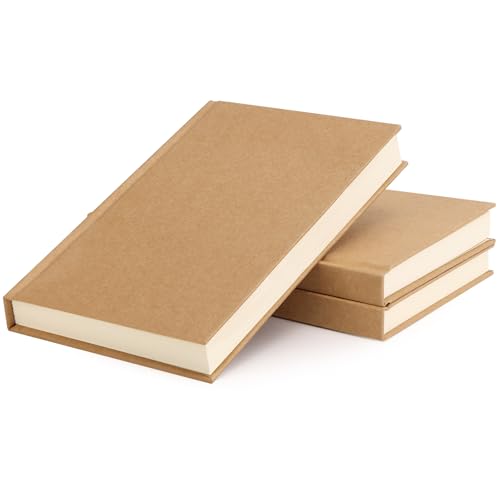
Morning pages are just three pages of handwritten rambling before the day starts. Doesn’t need to make sense. Nobody reads it, not even me!
This replaces that first scroll of the day with something that actually clears my head instead of filling it up more. A cheap notebook works fine.
- Messy handwriting welcome
- Any notebook you already own
- Ten minutes with coffee
Digital Detox Weekend Bag

Packing a digital detox weekend bag is such a fun little ritual once you try it. Think a real map, a paperback, a deck of cards. Who wouldn’t want that kind of weekend?
It sits by the door so the temptation to grab the charger never even comes up.
- Weekend away, phone stays home
- Pack it once, reuse it monthly
- Fits any overnight bag
No Phone Zone Sign

A no phone zone sign sounds a little silly until you actually make one and hang it. Suddenly there’s a rule.
Rules are easier to follow than vague intentions.
Mine hangs near the dinner table where guests spot it first. They usually laugh, then actually put their phones down, lol!
- A rule you can point at
- Printable in five minutes
- Looks cute framed too
Thirty Day Detox Calendar Printable

Want something more structured? A thirty day this media detox challenge calendar gives every single day a small task instead of one giant scary goal.
Day one might just be turning off notifications for me. Day thirty might be a full weekend off the apps.
Small steps add up faster than you’d think!
- One small win a day
- Printable calendar grid
- Check a box, feel proud
App Timer Screenshot Progress Chart

Screenshotting my app timer every week sounds tedious but the progress chart makes it satisfying. Watching that number drop is oddly addictive, in the best way, lol!
I tape the screenshots to a chart or just log the numbers by hand. Either way, seeing real proof beats guessing how much time got wasted. Am I right?
- Numbers don’t lie
- Free tracker template
- Update once a week
Printable Social Media Break Checklist

A printable social media break checklist takes all the guesswork out of starting. Turn off notifications, log out of apps, tell a friend, hide the icons, done!
Mine lives taped inside a cabinet door so it’s there every time my motivation wobbles a little.
- Checklist beats willpower
- One page, print and go
- Reusable every month
App Deletion Step Checklist

Deleting the apps entirely is the next level up. This step checklist makes it way less scary.
Back up your photos first, save any contacts, then delete. If you were hunting for a deleting social media checklist, this one is a keeper!
I forgot the backup step once and panicked later. Not fun, haha! This checklist skips that mistake completely.
- Backup before you delete
- Five simple steps
- Works on any phone
Account Deactivation Checklist Printable

Deactivating an account feels bigger than just deleting an app, so this checklist walks through it slowly. Download your data, adjust privacy settings, then hit deactivate.
Some platforms make this weirdly hard to find on purpose. My printable saves the hunting around at least. Who has time for that anyway?
- No hunting through settings
- Covers the major platforms
- Printable, one sheet
Framed Digital Detox Quote Print

A framed quote print about unplugging does more work than you’d expect. It just sits there on the wall, quietly judging your scrolling, lol!
She swears it’s the reason she finally put her phone down at meals. How cute is that?
- Wall art with a nudge
- Frame it or tape it up
Quote Card For Desk Display

A little quote card propped on your desk works the same way. It catches your eye right before you reach for the phone during a lull.
I swap mine out every few weeks so it stays fresh instead of blending into the background. Same!
- Desk reminder, tiny footprint
- Fits any standard frame stand
- Print several at once
Hand Lettered Detox Quote Journal

Last but definitely not least, hand lettering a favorite these quotes into a journal turns the whole idea into something personal instead of store bought.
Read also: 17+ Garden Journal Ideas That Transform Your Growing Season
My letters come out shaky, no calligraphy skills involved. Honestly they look more real, haha!
I grab a few favorite quotes and write one per page for the month.
It becomes something I actually want to flip through instead of another thing collecting dust on a shelf. Who doesn’t love that?
- No calligraphy skills needed
- Any notebook works fine
- One quote a page
Just a little note - some of the links on here may be affiliate links, which means I might earn a small commission if you decide to shop through them (at no extra cost to you!). I only post content which I'm truly enthusiastic about and would suggest to others.
And as you know, I seriously love seeing your takes on the looks and ideas on here - that means the world to me! If you recreate something, please share it here in the comments or feel free to send me a pic. I'm always excited to meet y'all! ✨🤍
Xoxo Camille